Write the brief
Choose one viewer, one product benefit, one setting, and one action. Add the video length, aspect ratio, tone, and opening hook so the output has a specific job.
Practical tutorial
This guide shows how to make ugc videos from a simple product idea, script, and performance brief. You will move from planning to a usable creator-style video without losing the natural details that make UGC persuasive.
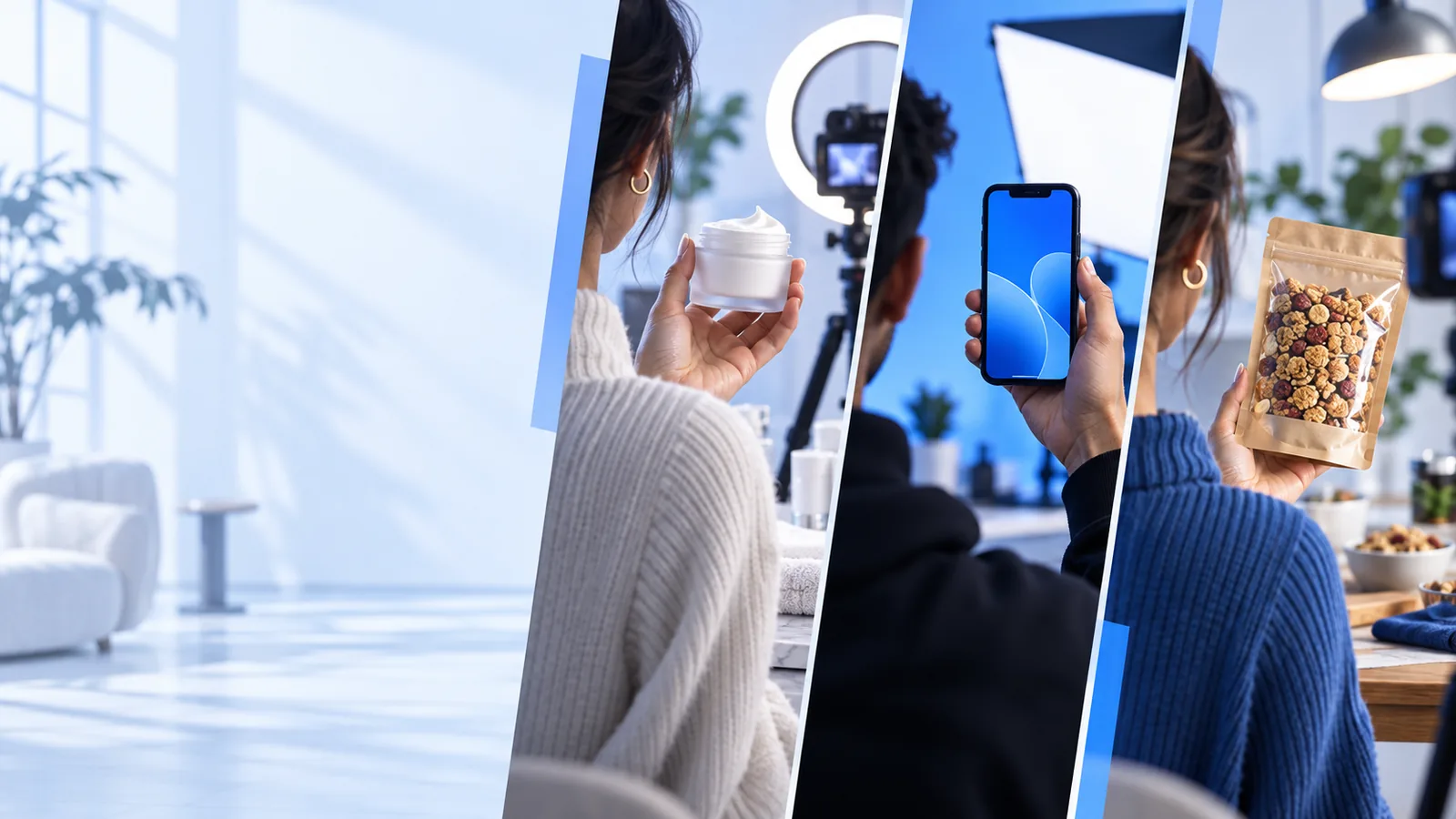
Treat the process like a short production brief rather than a single prompt. Each stage removes a different source of weak or generic UGC.
Choose one viewer, one product benefit, one setting, and one action. Add the video length, aspect ratio, tone, and opening hook so the output has a specific job.
Describe the creator, camera framing, delivery style, product placement, and gestures. Keep the spoken script short enough to sound conversational rather than memorized.
Watch the opening without sound, then with sound. Fix unclear product shots, stiff movement, unsupported claims, captions, and the final call to action before exporting.
Prepare these inputs before opening the generator. The required items prevent vague output; the optional items help you steer the result more precisely.
State what appears on screen and what the viewer should understand.
Avoid asking one short video to sell several unrelated benefits.
Aim for a direct opening followed by proof and a simple action.
Use the clearest available view of packaging, shape, color, or interface.
Vertical 9:16 is a practical starting point for short-form social content.
These details improve consistency and reduce revisions.
See how product demos, testimonials, and unboxing concepts can translate into short creator-style scenes.
Review gesture direction when the performance needs more natural pointing, holding, or product interaction.
Explore the online workflow for turning a written brief into a shareable UGC video concept.
Most disappointing results are not caused by a lack of effects. They come from an unclear brief, too many competing instructions, or a review step that happens too late.
The viewer does not understand the problem or promise in the first few seconds, so the video feels like an introduction instead of a hook.
WorkaroundStart with the audience problem, a surprising observation, or a direct product result. Move greetings and background context after the hook.
Long sentences, abstract adjectives, and several benefits in one take can make delivery feel stiff or overly polished.
WorkaroundUse shorter spoken lines, everyday wording, and one thought per beat. Ask for a conversational delivery with a natural pause.
Hands, reflections, crops, or rapid camera movement may hide packaging, interface details, or the feature being demonstrated.
WorkaroundSpecify when the product enters frame, how long it stays visible, and which detail must remain readable.
A persuasive video can still create trust problems if it promises guaranteed outcomes or implies evidence that is not available.
WorkaroundReplace absolute claims with a precise benefit, an observed experience, or a clearly qualified statement approved for the campaign.
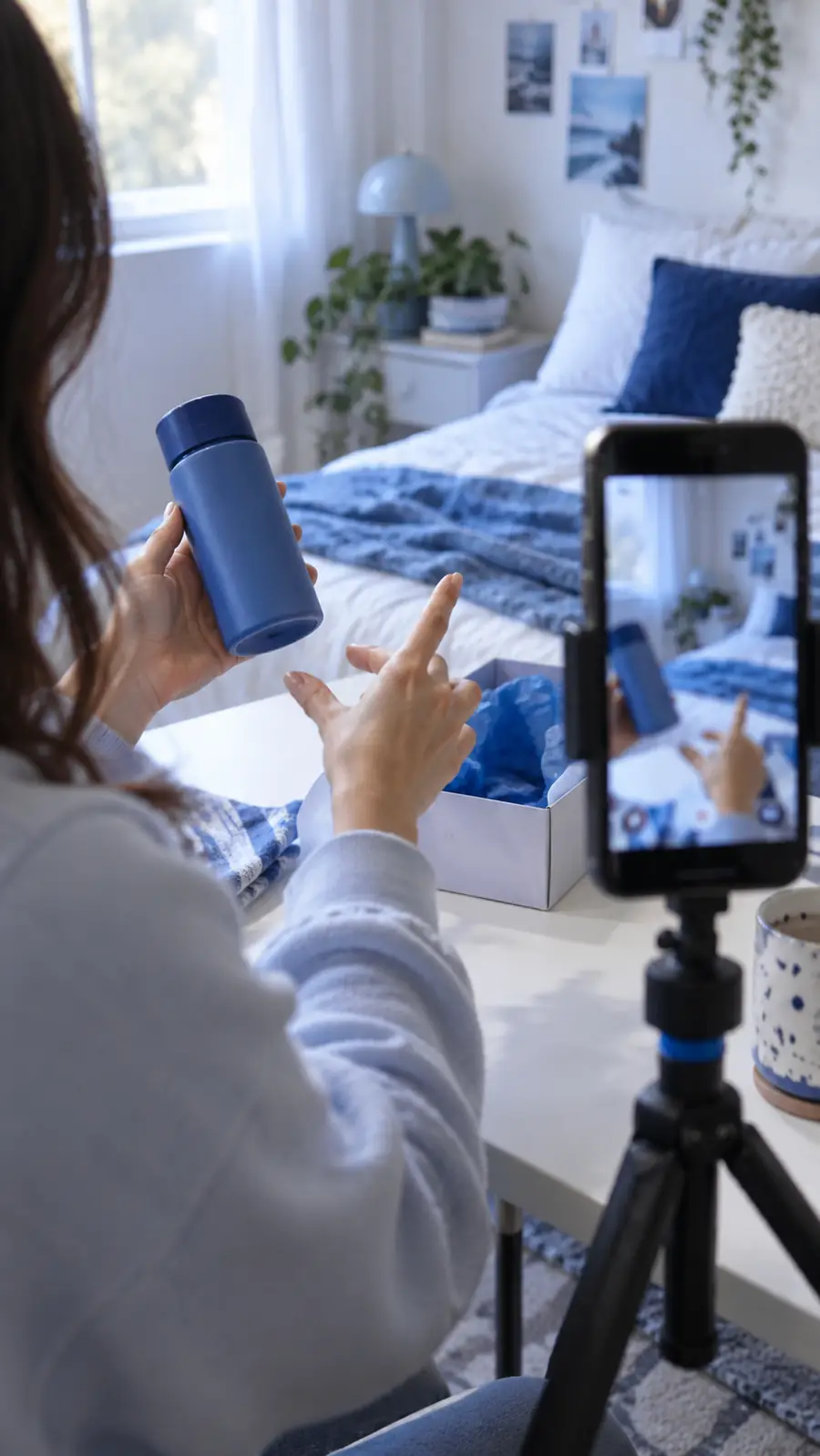
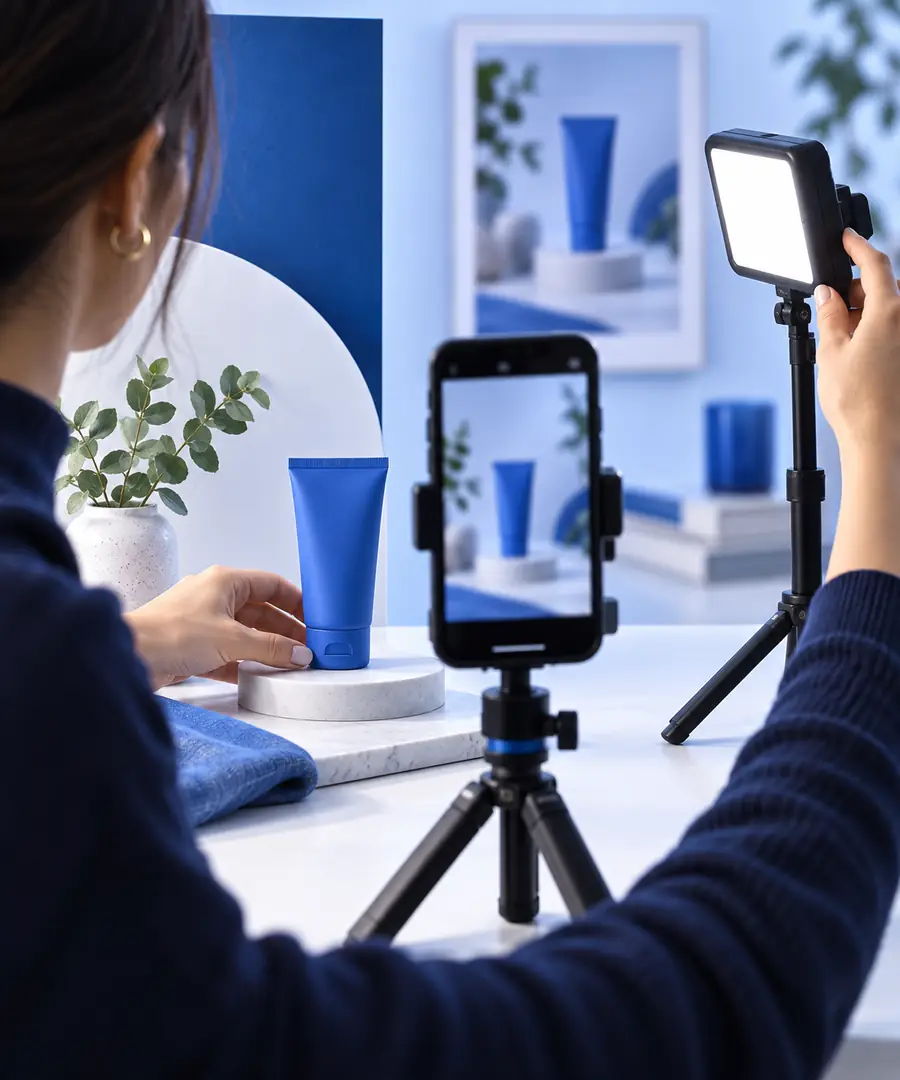
Use the before-and-after view as a review habit: compare a first pass with a refined pass and change one variable at a time. The strongest improvement usually comes from clearer direction, not heavier editing.
Illustrative comparison: refine the brief before adding effects.
Bring the product, audience, hook, and visual direction together in one concise prompt. Makeugc can help you move from a rough concept to a creator-style draft that is easier to review, edit, and share.
You need a product or service, a target audience, one main benefit, and a short hook. A product image or detailed visual description also helps the creator performance and product framing stay consistent.
Choose the shortest length that can establish the problem, show the product, and give the viewer a next step. For many short-form concepts, 15 to 30 seconds is a useful starting range, but the message should determine the final duration.
Write short lines using the words your audience would actually say. Give the performance room for pauses, simple gestures, and a clear reaction instead of stacking several claims into one sentence.
Check the first seconds, product visibility, audio clarity, captions, pacing, and the final call to action. Also verify that every product statement is accurate, supported, and appropriate for the channel.
It can help create a creator-style concept, product demonstration, or scripted promotional asset, but it should not be presented as an authentic customer experience when it is not. Label or disclose the format when your platform, audience, or local rules require it.