Product marketers
Show a new product in a natural, creator-led demonstration for a campaign or launch.
Move from product brief to a focused video concept with a clear hook and call to action.
UGC video examplesBrowser-based creation
The makeugc online app helps creators, marketers, and small teams turn a product idea into a ready-to-share UGC-style video without a complicated production setup.
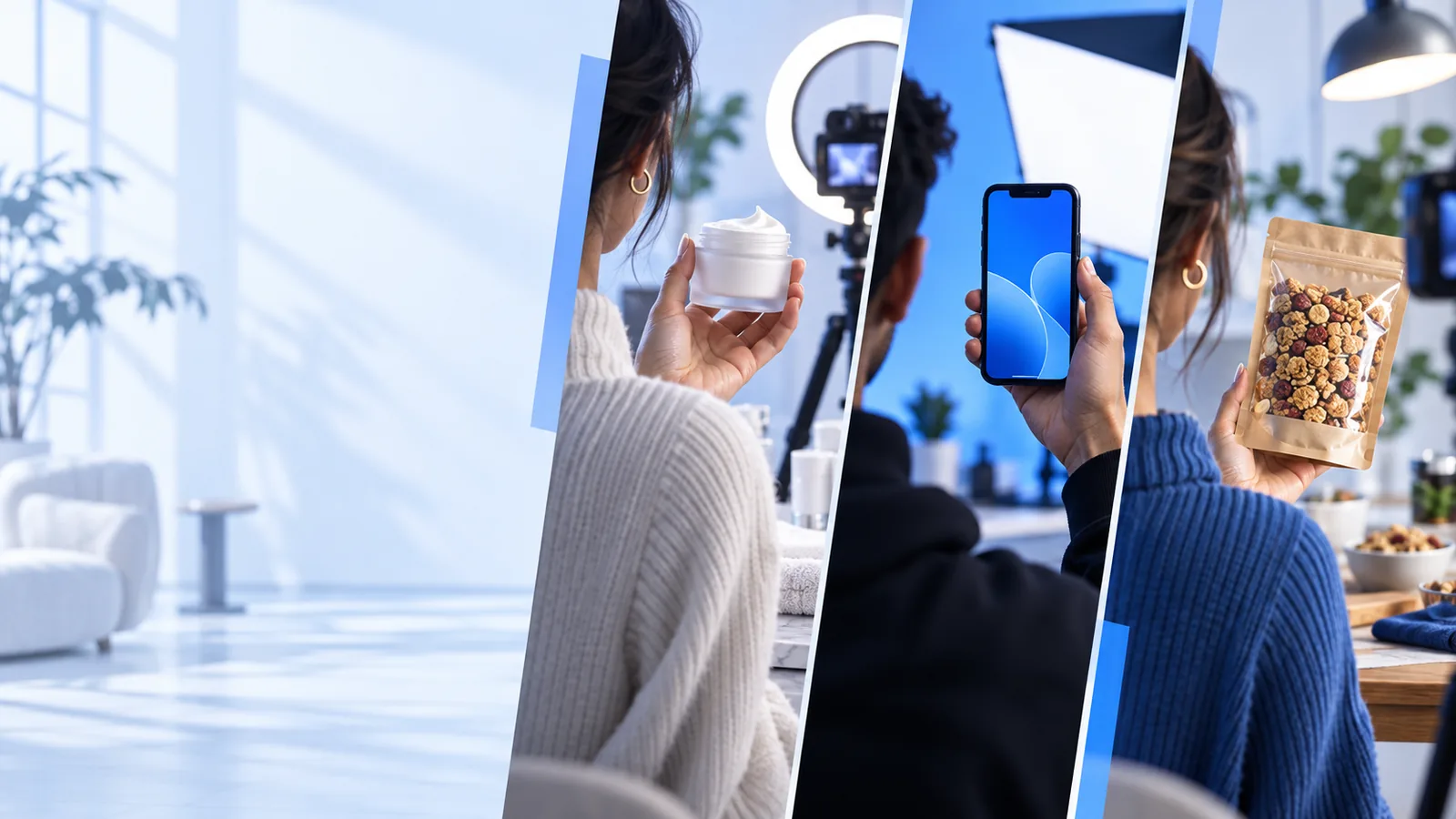
Built for real workflows
Start with a clear use case, then shape the message, scene, and delivery style around the audience you need to reach.
Show a new product in a natural, creator-led demonstration for a campaign or launch.
Move from product brief to a focused video concept with a clear hook and call to action.
UGC video examplesTurn product benefits into short social clips that make the item easier to understand at a glance.
Create repeatable product storytelling for listings, ads, and organic posts.
makeugc gesturesTest several hooks and presentation styles without arranging a full shoot for every idea.
Explore more concepts while keeping the creative process organized online.
how to make UGC videosPrepare client-ready UGC directions from a shared brief and adapt them across different products.
Reduce setup time between concepts and keep each deliverable tied to its campaign goal.
makeugc alternativeFrom brief to result
A focused product brief gives the online workflow enough direction to produce a more useful starting point than a vague request.
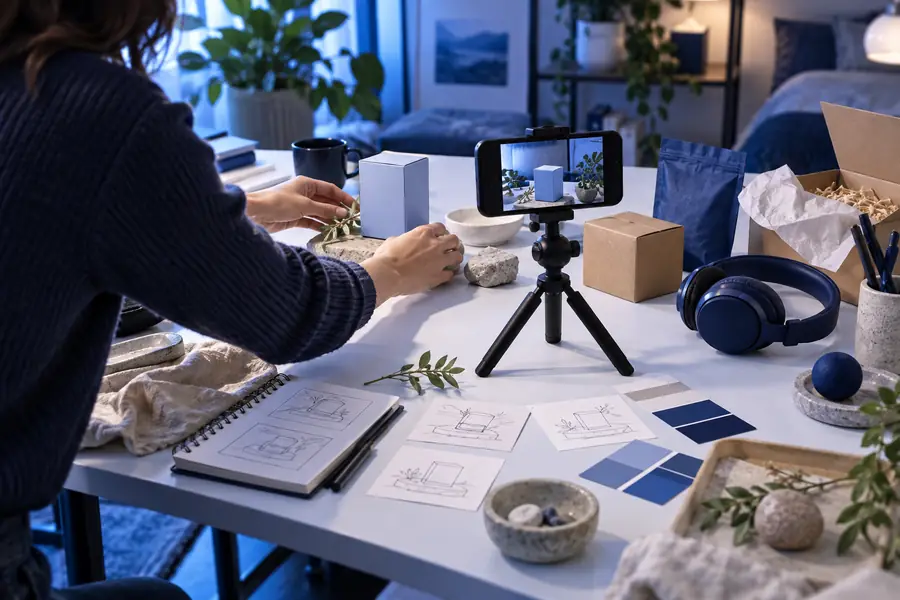

The clearer the brief, the easier it is to refine the scene, tone, and product focus.
Choose the right route
The online route is designed for fast concept development and repeatable content work, while a traditional shoot remains useful when you need full physical production control.
Makeugc online app
Written product brief and creative direction
Manual production workflow
Shot list, crew, location, and equipment
Makeugc online app
Work from a browser-based workflow
Manual production workflow
Arrange and access a physical filming location
Makeugc online app
Test multiple concepts before committing to production
Manual production workflow
Reshoot or re-edit when the concept changes
Makeugc online app
Define tone, gestures, scene, and product focus in the brief
Manual production workflow
Direct each performance during filming
Makeugc online app
Best for concept-led UGC-style scenes
Manual production workflow
Best when exact physical handling is essential
Makeugc online app
Easy to review and refine from different locations
Manual production workflow
Coordinate files, schedules, and production handoffs
Makeugc online app
Hooks, product explainers, social concepts, and rapid testing
Manual production workflow
High-control campaigns with planned on-camera production
Simple production flow
Use a short sequence to move from a rough idea to a more actionable UGC video direction.
Name the product, audience, key benefit, desired tone, and the action viewers should take.
Refine the creator style, setting, gestures, pacing, and message until the concept fits your goal.
Use the result as a working draft, then adjust the prompt for alternate hooks, scenes, or product emphasis.
Know the edges
An online workflow removes production friction, but it does not replace every kind of creative or technical review.
The first result may need changes to the hook, tone, pacing, or product emphasis.
WorkaroundGive the prompt one clear objective and refine the weakest part instead of rewriting everything.
Some campaigns depend on exact real-world handling, precise demonstrations, or controlled environments.
WorkaroundUse the online concept as a pre-production draft, then move high-control scenes into a physical shoot.
If the brief leaves out important features, claims, or restrictions, the result may not reflect the product accurately.
WorkaroundSupply verified benefits, approved language, and any claims the video must avoid.
A polished clip still needs a clear audience, distribution plan, and measurement goal.
WorkaroundChoose the channel and success signal before creating several variations.
Before you begin
A few simple inputs make the browser-based process more focused and reduce unnecessary revisions.
The central subject of the video.
Describe who should recognize themselves in the message.
Lead with the point viewers should remember.
For example: friendly, practical, energetic, or direct.
Useful when the product needs a specific environment.
Important for regulated, technical, or brand-sensitive content.
Designed for iteration
The online experience keeps the important creative decisions close together, so each revision has a clear purpose.
 01
01
01
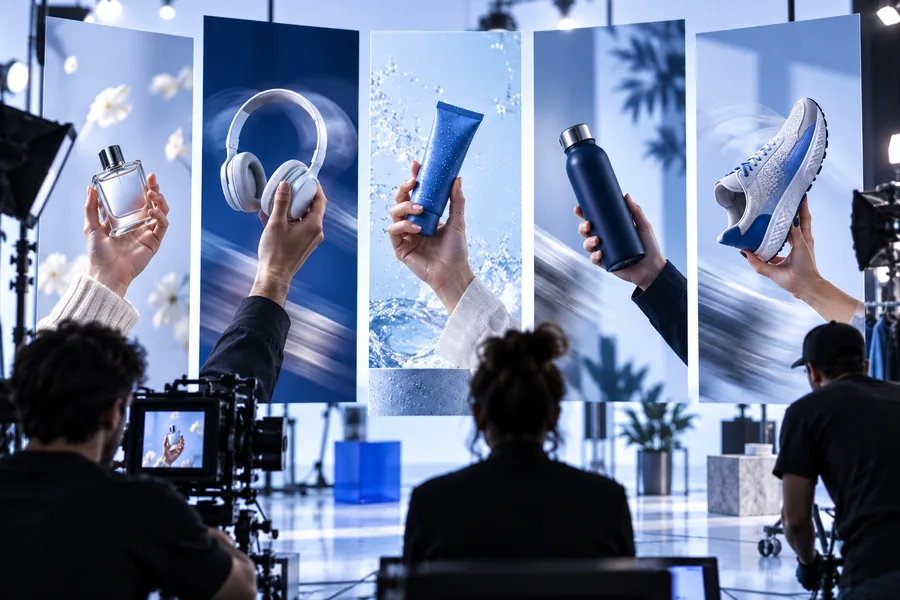
Lead with what the product does and why the audience should care. A focused brief gives the video a stronger center than a list of disconnected visual ideas.
 02
02
02
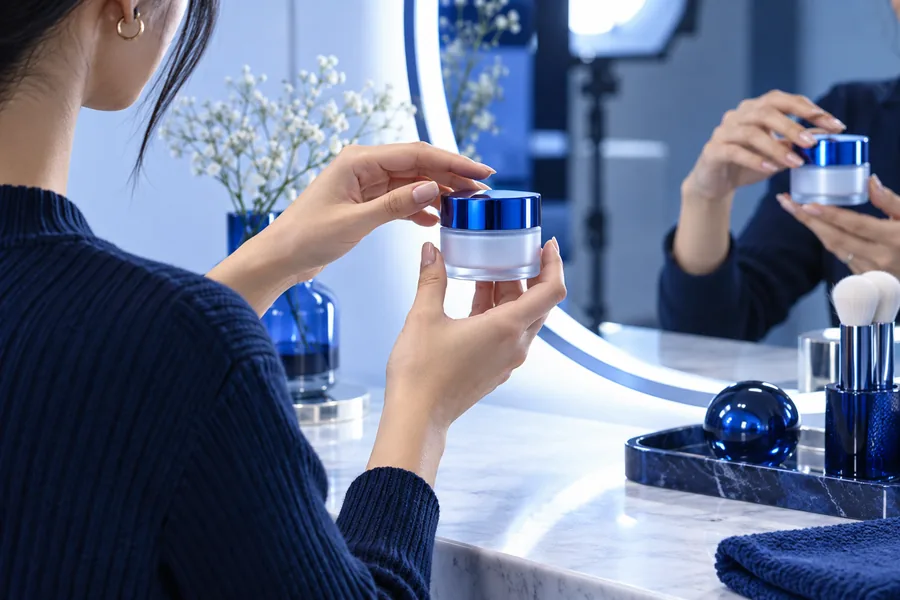
Shape the presentation with tone, setting, gestures, and pacing. These details help a concept feel intentional rather than generic.
 03
03
03
Once the core idea works, adapt the emphasis for the destination. A short social hook, product explainer, and campaign variation may need different openings.
Make the next draft
Bring a product, one clear audience, and a simple message. The online workflow gives you a practical place to start, review, and refine the direction.
Online app questions
The makeugc online app is a browser-based way to develop UGC-style video concepts from a written brief. You can describe the product, audience, tone, and scene, then refine the direction into a more useful draft.
Yes, the online workflow is intended to reduce the need for an immediate physical shoot when you are developing concepts or testing messages. You may still want a traditional production for scenes that require exact physical handling or controlled real-world conditions.
Include the product, target audience, main benefit, creator tone, setting, and desired action. Adding the preferred video length or opening hook can make the first result easier to evaluate.
It can help marketing teams turn campaign briefs into UGC-style concepts, product explainers, and alternate hooks. Teams should still review product claims, brand language, and channel requirements before publishing.
Yes, you can refine the same brief by changing the hook, creator direction, setting, or product emphasis. Keeping the core audience and benefit consistent makes the variations easier to compare.