Anchor the hands
Name what the creator touches, picks up, points toward, or places down. Specific contact points make the product action easier to stage and easier for viewers to follow.
Gesture-led UGC
Makeugc gestures turn a simple product prompt into a more believable UGC scene. Guide how a creator points, holds, presents, reacts, or moves so the product feels part of a natural interaction rather than a static overlay.
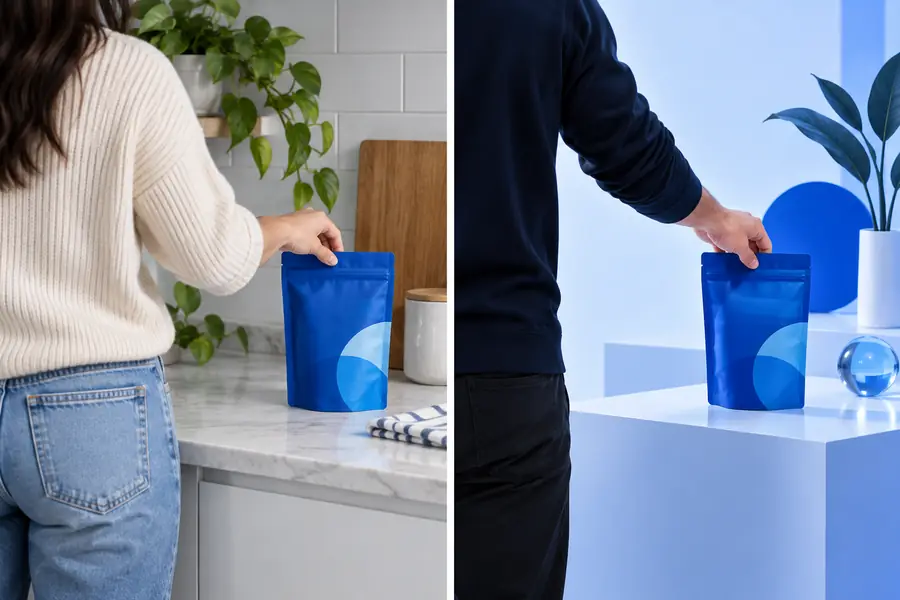
Different UGC goals call for different movement cues. Use these related guides to shape the wider video before refining the hands, posture, and reaction.
See how product demos, testimonials, and lifestyle clips use movement to keep attention.
Follow a practical process for planning a UGC video from concept through final polish.
Understand the browser-based workflow for turning a short creative brief into a video scene.
Review the low-friction ways to test an AI-assisted UGC workflow before committing to a format.
The best results usually come from combining a clear action with a readable intention and a small reaction. Each mechanism gives the generation brief something concrete to preserve.
Name what the creator touches, picks up, points toward, or places down. Specific contact points make the product action easier to stage and easier for viewers to follow.
Pair the hand movement with an attention cue: look at the label, glance toward the camera, or follow the item as it enters frame. Eye direction gives the gesture a reason.
Add a modest response such as a nod, smile, raised eyebrows, or a satisfied pause. Small reactions make the action feel intentional without turning the clip theatrical.
A gesture should support the message, not compete with it. These examples show how different personas can use motion to make the same product easier to understand.
She lifts a serum bottle into frame, points to the active ingredient, and taps a small amount onto her cheek.
The viewer sees the packaging, understands the application, and gets a clear result cue.
ugc video examplesHe holds a hydration product beside the camera, gestures toward the cap, takes a sip, and gives a quick approving nod.
The sequence communicates use, scale, and a personal recommendation in one compact demo.
how to make ugc videosShe brings a phone close to the lens, swipes through a feature, points at the screen, then looks back to the viewer.
The movement creates a natural bridge between the interface and the spoken explanation.
makeugc online appHe places a small device on a desk, adjusts one control, steps back, and gestures toward the finished setup.
The audience can follow the before-and-after relationship without needing a separate voiceover explanation.
makeugc alternativeUse this comparison to decide when movement is worth specifying in the brief and when a simpler product shot will communicate more clearly.
Gesture-led UGC
Movement creates a natural reason to watch the next beat.
Static UGC
Attention depends mainly on framing, copy, or a voiceover.
Gesture-led UGC
Hands can show scale, use, application, and sequence.
Static UGC
The product is visible, but its use may need explanation.
Gesture-led UGC
Needs clear action, direction, and reaction cues.
Static UGC
Can work with a shorter visual description.
Gesture-led UGC
Demos, tutorials, reviews, and testimonial-style clips.
Static UGC
Hero shots, announcements, and simple awareness scenes.
Gesture-led UGC
Too many actions can feel busy or mechanically staged.
Static UGC
The scene can feel flat when the message needs proof.
Gesture-led UGC
Several action beats create more opportunities to cut or pace the story.
Static UGC
Fewer movement changes limit transition points.
A product can be present in both scenes, but the interaction changes how quickly the viewer understands what it is for.
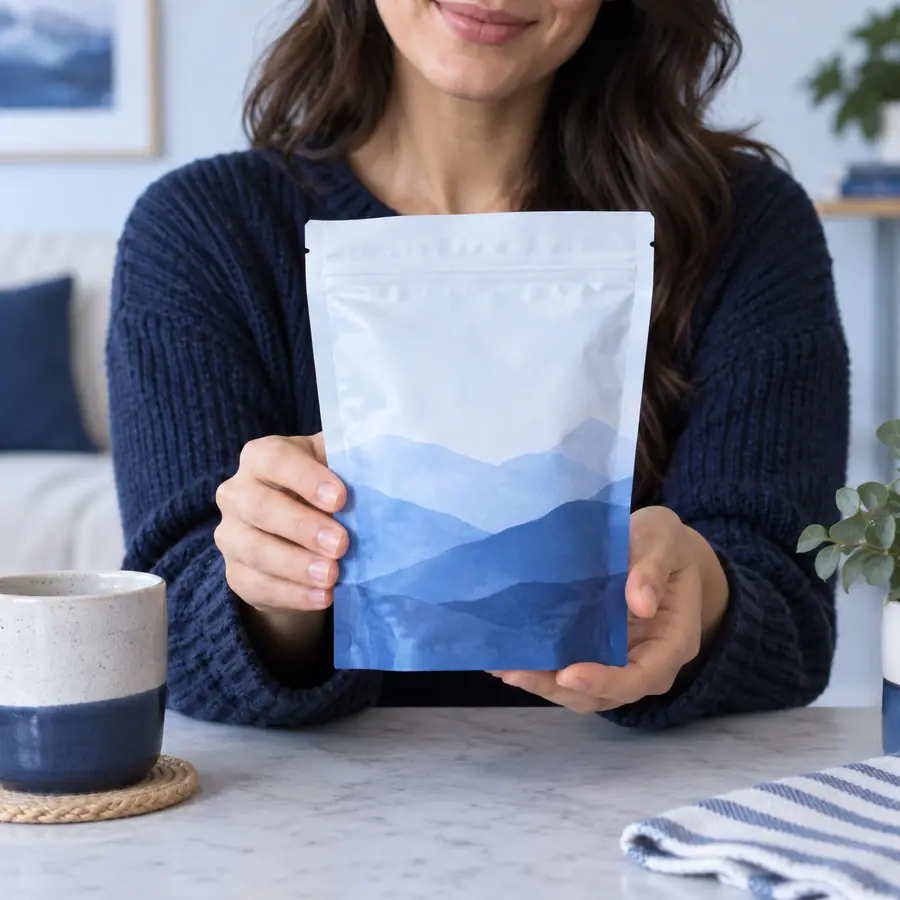
The strongest change is not more motion; it is clearer intent.
Use these checkpoints when reviewing a generated scene. They are simple quality signals, not promises about output speed or performance.
Describe the product, the creator’s movement, and the reaction you want to see. Makeugc can then serve as a practical starting point for exploring a more natural product video direction.
Answers to common questions about planning and using gestures in AI-assisted UGC videos.
Makeugc gestures are movement instructions for a creator or avatar in a UGC-style scene. They can describe actions such as pointing to packaging, holding a product, applying it, demonstrating a feature, or reacting after use.
The most useful gestures are easy to read and directly connected to the product: pick up, point, show, apply, tap, compare, or place down. Add a matching gaze direction and a small reaction so the movement feels motivated rather than random.
Describe the object, the action, the direction, and the intended reaction in plain language. A short sequence with two or three connected beats is usually easier to understand than a long list of unrelated movements.
Gestures can reinforce a message, but they do not always replace spoken explanation. They are especially helpful for showing how a product is held, used, opened, applied, or compared while the voiceover supplies the details.
Unnatural movement often comes from vague prompts, too many actions, or conflicting instructions about the hands and gaze. Simplify the sequence, name the main object clearly, and give the creator time to complete one action before starting the next.